
1. Log in to your Game Panel to start your server.
2. Before making any modifications, stop the server from running by clicking the Stop button.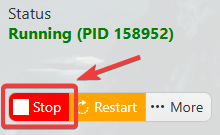
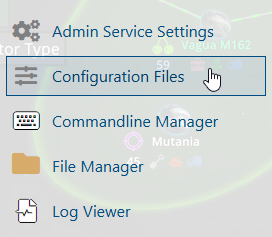
3. Navigate to the File Manager section.
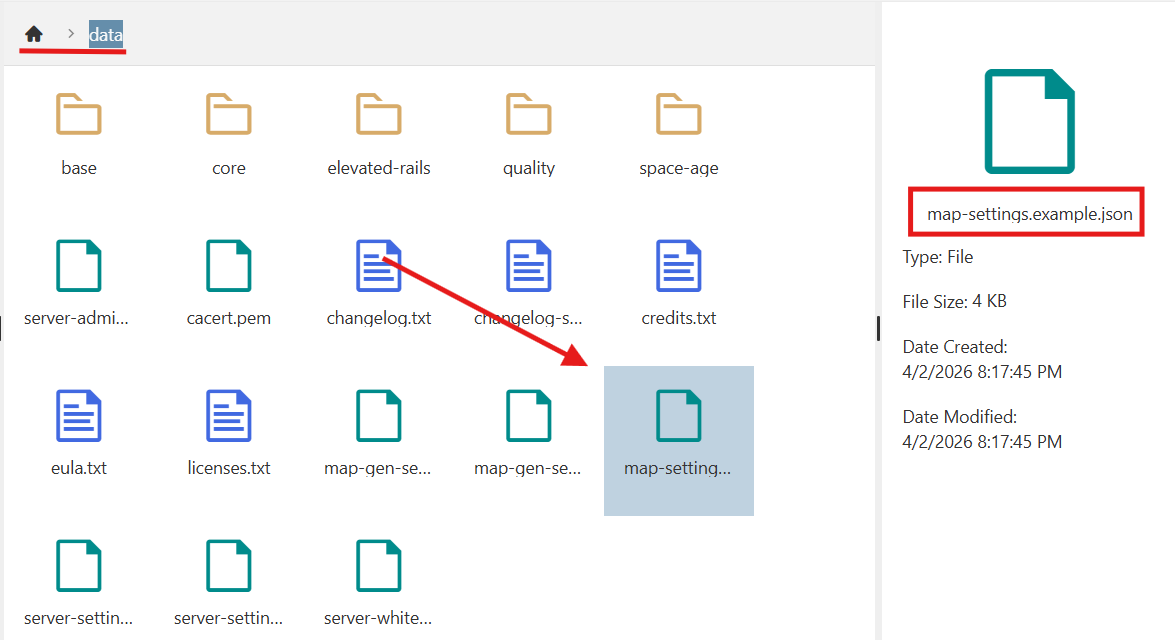
4. Open the File Manager and locate the data folder. Inside the folder, find and select the map settings file to access the available configuration options.
5. Locate the difficulty_settings section within the map settings file. Under the difficulty_settings line, modify the desired options according to your server’s requirements.
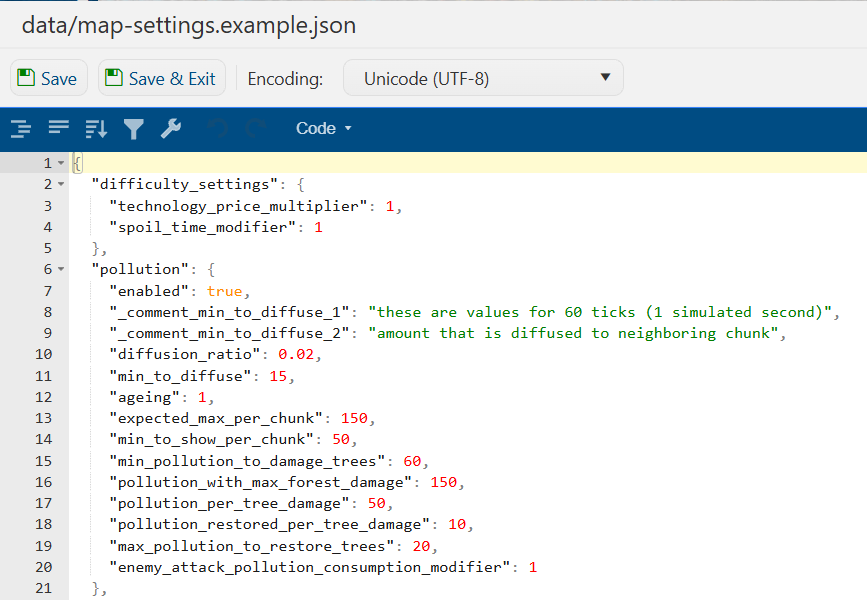
Review your changes carefully to avoid altering unrelated settings.
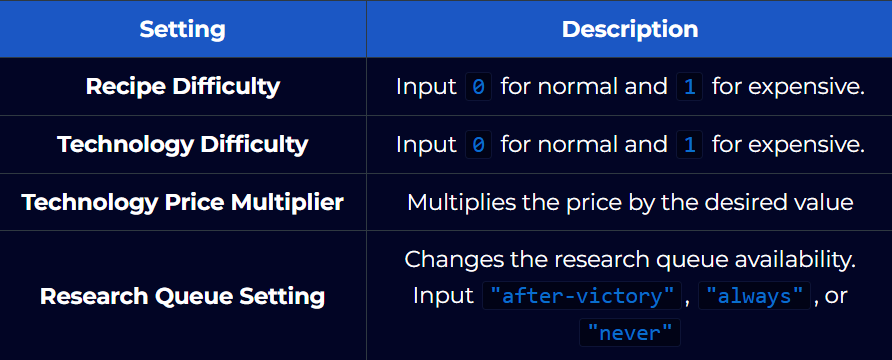
6. Save your changes by clicking the Save button. This ensures your updated difficulty settings are written to the configuration file and ready to be applied when the server starts.
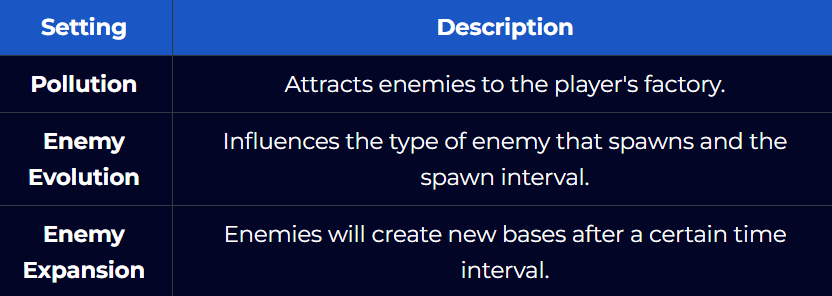
Other Difficulty Settings
(Note: For Factorio, 1 real-time second corresponds to 60 game ticks. This means the game processes 60 ticks for every second of real-world time.)
Did the above information not work for you?
Please click here to contact our support via a ticket.
