

This guide will show you how to connect to your Kenshi Online Multiplayer server.
Click here to order your Kenshi Online Multiplayer with Citadel Servers today!
1. Log in to your Game Control Panel.
2. Copy the IP and Port in Connection Info.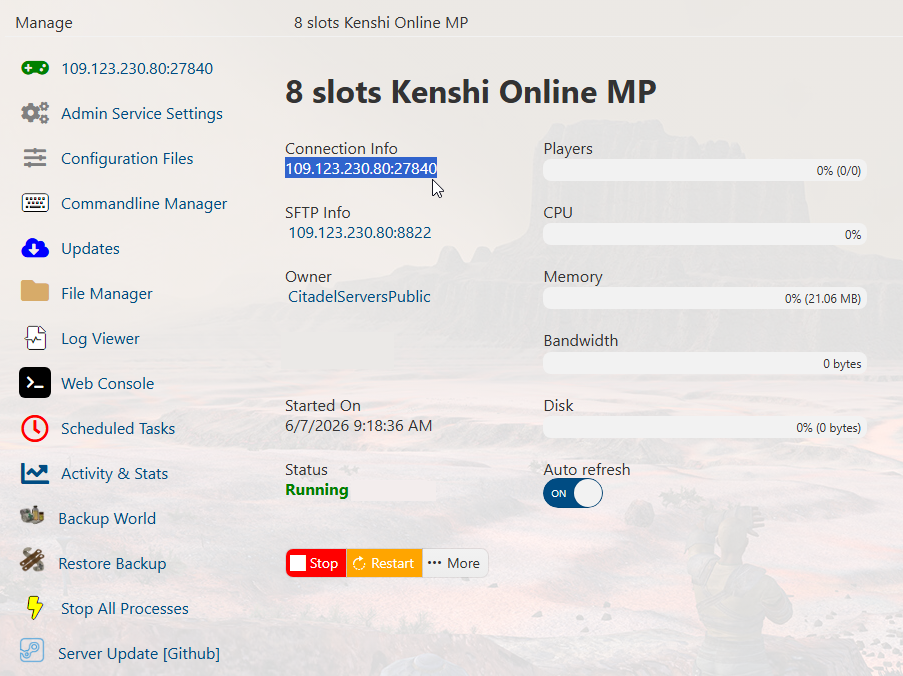
3. Ensure that you have already installed the Online Mod for this game
You can follow our installation guide here.
Open the KenshiMP.Injector.exe and input the server IP and Port.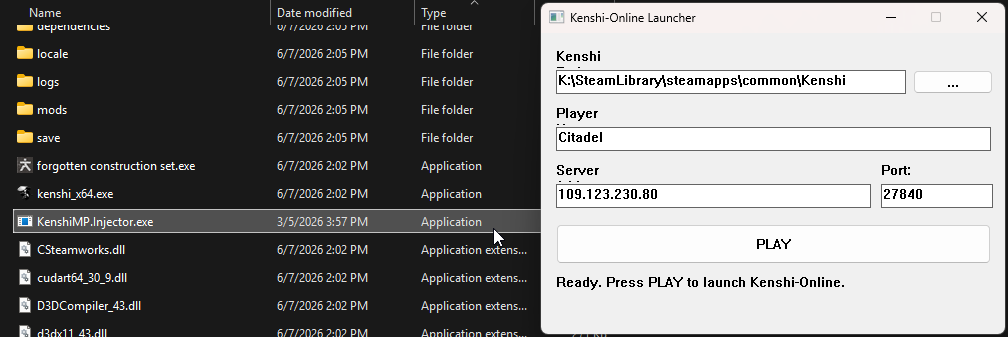
4. Click "Play" to launch, and then select either "Load game" or "New Game".
Once you have loaded into a world, check the Web Console of the Control Panel to verify if you have joined the server.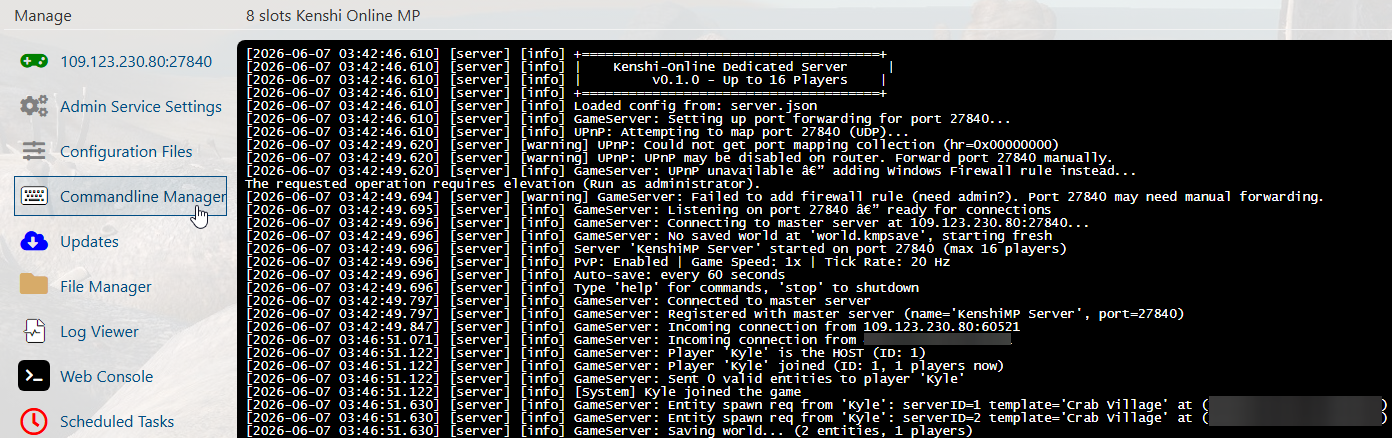
Did the above information not work for you?
Please click here to contact our support via a ticket.
