

This guide will show you how to install Kenshi Online Multiplayer on your client.
Click here to order your Kenshi Online Multiplayer with Citadel Servers today!
1. Download and install Kenshi on Steam, or any platform it is available on.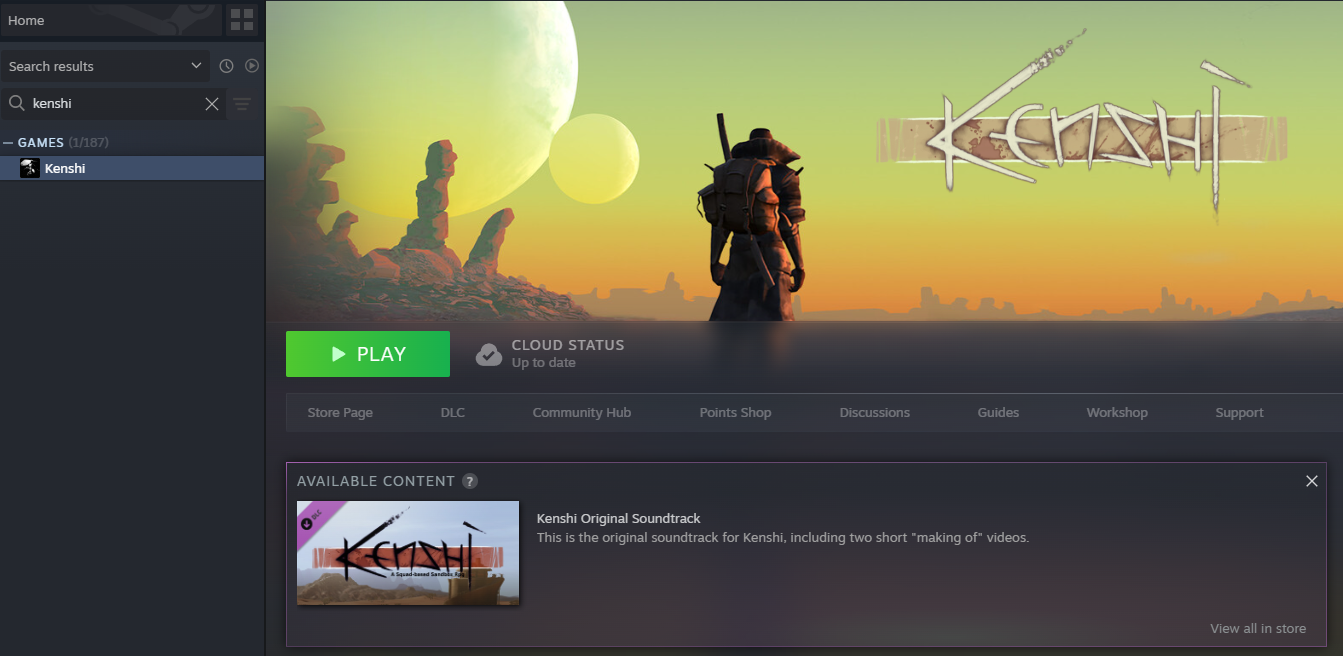
2. Open the Kenshi Online GitHub page and download the client-side files.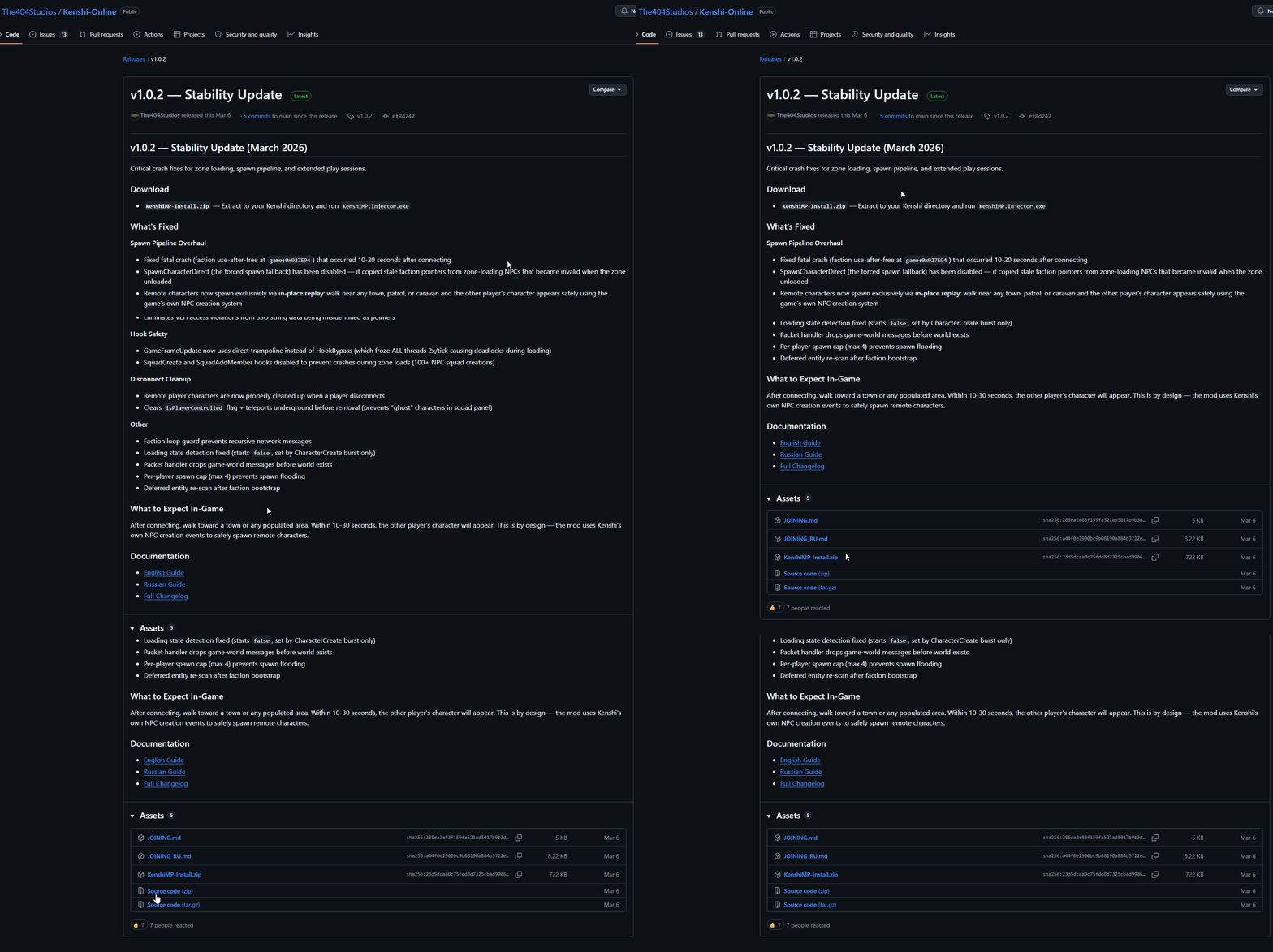
3. Unpack the files from the zip file into your Kenshi directory.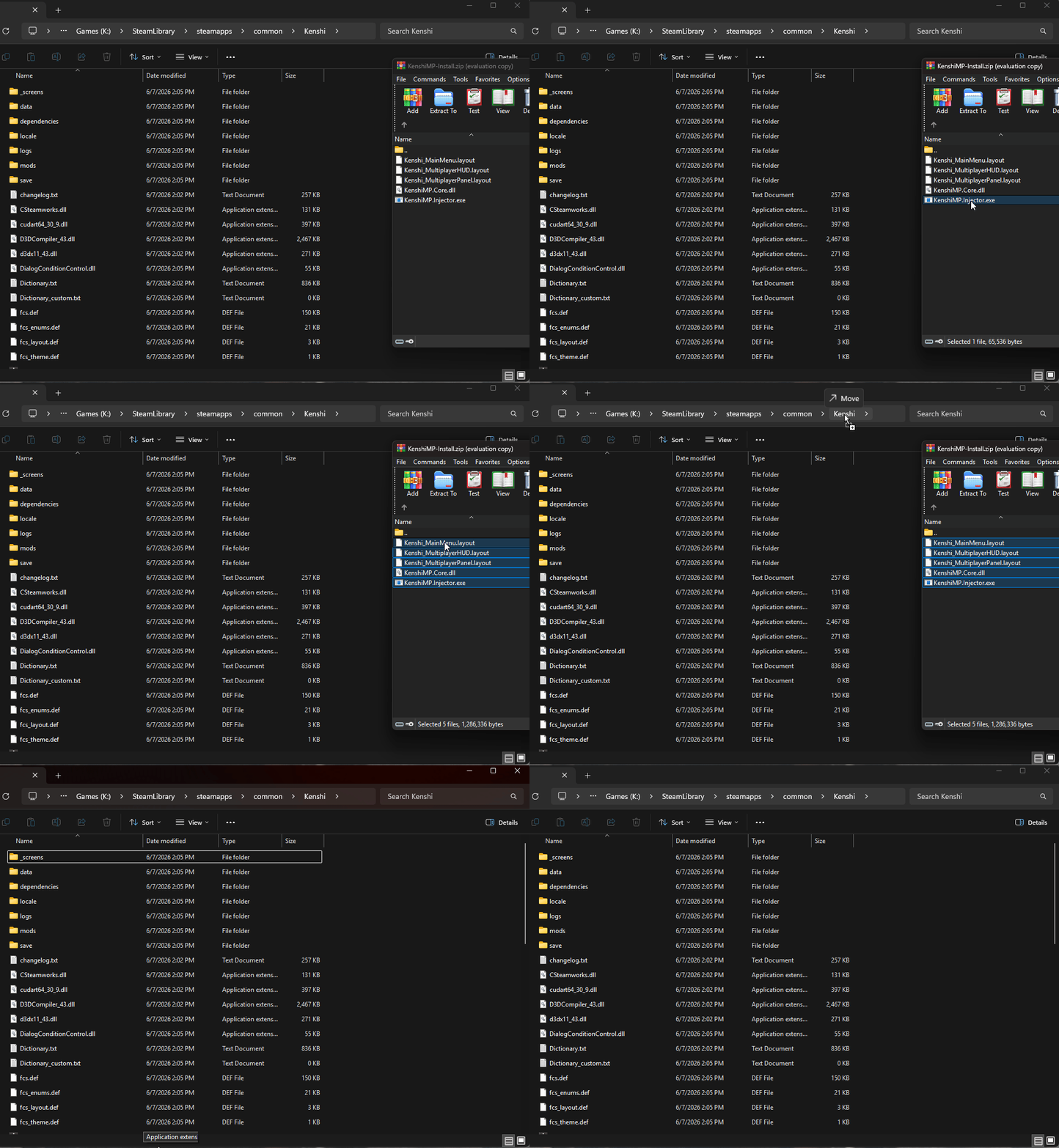
4. Find KenshiMP.Injector.exe and launch it.
You may need to set the directory manually. Select the 3 dots and then point the launcher to the Kenshi installation.
Set your Player Name. You can leave Server and Port alone for now. Click Play to launch Kenshi Online.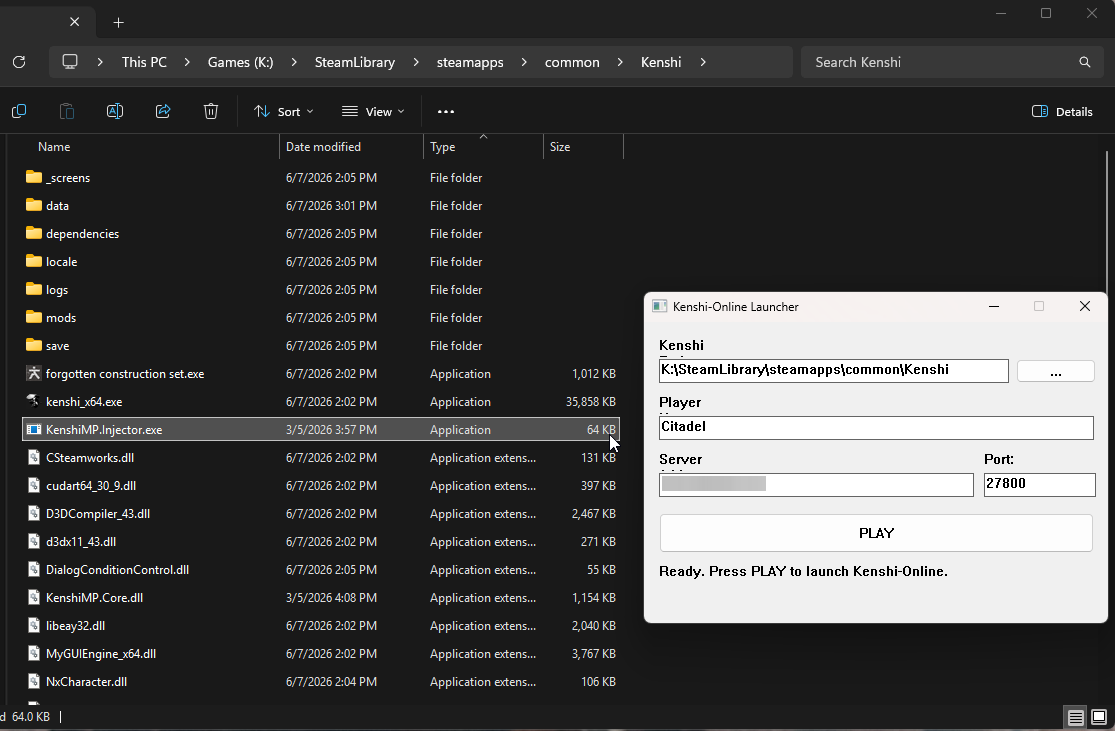
Did the above information not work for you?
Please click here to contact our support via a ticket.
