

This guide will walk you through the process of setting yourself as an admin on your Arma 3 server.
Click here to order your Arma 3 server with Citadel Servers today!
1. Log in to your Citadel Servers Game Panel and stop your server.
2. Navigate to the Configuration Files tab, then open your server configuration file using the config editor.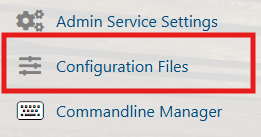
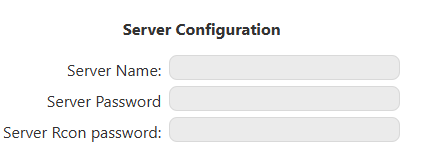
3. Locate the Server RCon Password line, set your desired password, and save the changes.
4. Start your server. Join your server in-game, press /, then enter:
#login YourAdminPassword
Did the above information not work for you?
Please click here to contact our support via a ticket.
