
This guide will show you how to Disable Sleep Deprivation for your HumanitZ Server
Order a HumanitZ Server today with Citadel Servers
If you’re running a HumanitZ server and want to make survival a little less demanding, disabling sleep deprivation can be a useful server setting to change. While the mechanic adds another layer of realism and challenge to the game, some players may prefer to focus on exploration, combat, base building, and surviving against the infected without having to worry about managing their character’s sleep. In this guide, we’ll show you how to disable sleep deprivation on your HumanitZ server and explain where to find the relevant server setting. Once changed, your players can enjoy a more relaxed gameplay experience without the effects of sleep deprivation.
Turning Off Sleep Deprivation
1. Log in to your Game Control Panel and navigate to your service.
2. Before making any changes, ensure that your server is fully stopped.
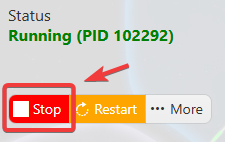
This helps prevent configuration changes from being overwritten or reverted to their default values.
3. Navigate to the Configuration Files tab to access your server’s configuration settings.
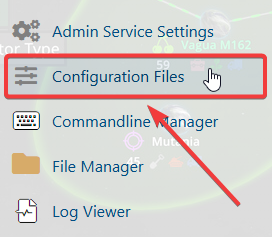
4. In the Configuration Files section, locate the gameserversettings.ini file, then click Text Editor next to it to open the configuration settings.

5. Locate the Sleep parameter and set its value to false to disable the sleep deprivation setting.
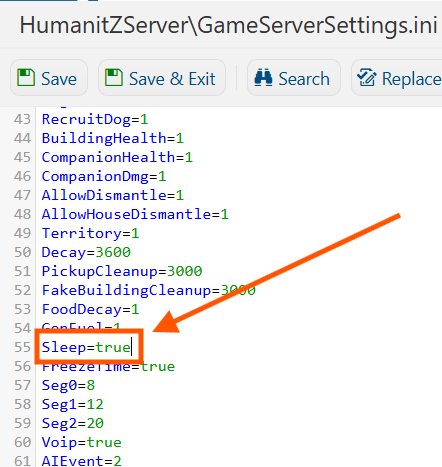
6. Once you have finished editing the settings, click the Save button to apply the changes to your server.