

This guide will show you how to enable Creative Mode for your Core Keeper Server
Looking for a Core Keeper server? Click here to order your Core Keeper now
Creative Mode in Core Keeper gives you greater freedom to build, experiment, and customize your gameplay experience without the usual limitations. It can be especially useful for testing builds, creating structures, or experimenting with different game mechanics on your server. In this guide, we’ll walk you through the steps to enable Creative Mode on your Core Keeper server, so you can quickly configure your server and start using its creative features.
Enabling Creative Mode
1. Log in to your Game Panel to start your server.
2. Before making any modifications, stop the server from running by clicking the Stop button.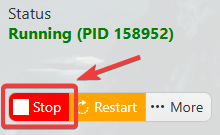
3. Navigate to the Commandline Manager section.
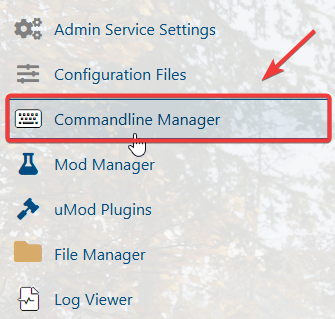
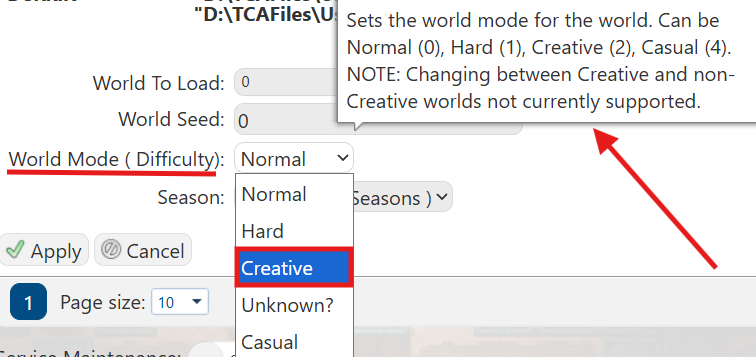
4. In the Commandline Manager, locate the active command line and click Modify. Then, find the World Mode setting to configure the server’s game mode.
5. From the World Mode dropdown menu, select Creative Mode, then click Apply to save and activate the new setting.
Did the above information not work for you?
Please click here to contact our support via a ticket.
