

This guide will walk you through changing the castle limits on your V Rising server.
Click here to order your V-Rising server with Citadel Servers today!
1. Log in to your Citadel Servers Game Panel and stop your server.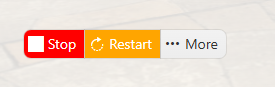
2. Navigate to the Configuration Files tab, then open the ServerGameSettings file using the text editor.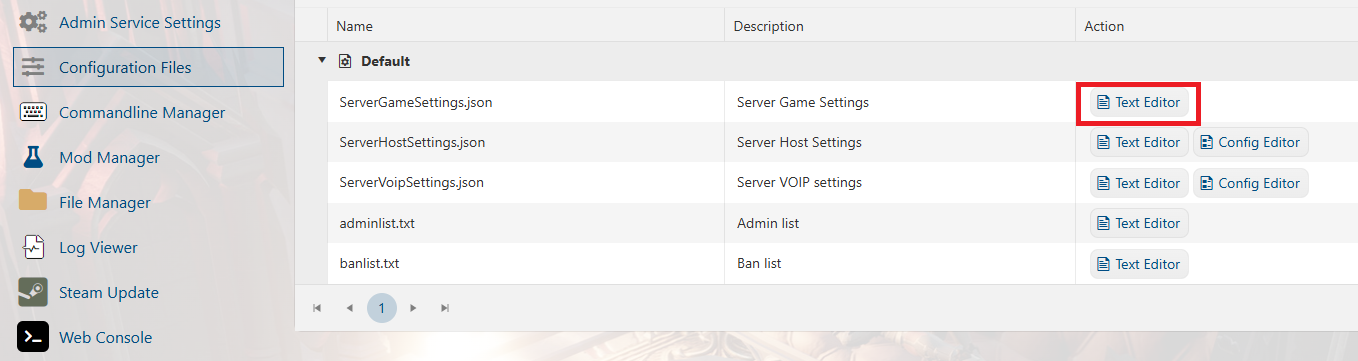
3. Locate the Heart Limits section and modify the desired values.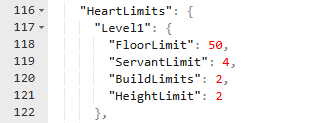
| Setting | Description | Example |
|---|---|---|
CastleLimit |
Max Castle Hearts per player (Max: 5) | 5 |
FloorLimit |
Max floor tiles per castle level (Max: 100) | 100 |
ServantLimit |
Max servants per castle level (Max: 20) | 20 |
HeightLimit |
Max castle floors allowed (Max: 3) | 3 |
4. Click Save, then start your server and join to verify that the changes have been applied.
Did the above information not work for you?
Please click here to contact our support via a ticket.
