

This guide will show you how to Move Your S&Box Server to the Staging Branch
Switching your S&Box server to the Staging Branch is an essential step when you want early access to upcoming features, experimental updates, or fixes that haven’t yet reached the main branch. The staging branch often includes cutting‑edge improvements that can enhance development workflows, enable new gameplay systems, or help server owners prepare for future changes before they go live. Because these updates are still in testing, the process requires a bit of care, but once you understand how the branch system works, switching is quick and reliable. This guide walks you through the exact steps to move your S&Box server to the staging branch safely, ensuring your environment stays stable while you explore the latest additions.
Updating an S&Box Server to the Staging Branch
1. Log in to your Game Control Panel.
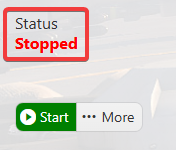
2. Make sure your server is fully stopped before making any changes.
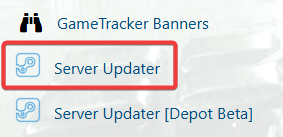
3. Navigate to the Server Updater Tab.
4. On the Server Updater tab, choose Server Version Type and switch it to Staging Branch.
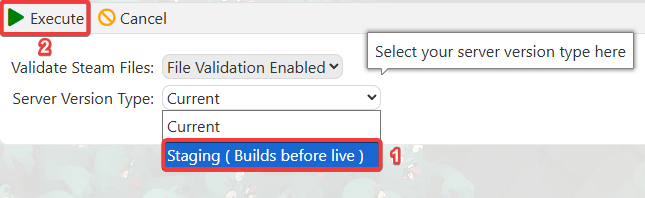
Click Execute to apply the changes.
5. Start the server to launch the Staging Branch.

Did the above information not work for you?
Please click here to contact our support via a ticket.
