

This guide will show you how to configure your Windrose server's Invite Code.
Click here to order your Windrose server with Citadel Servers today!
1. Log in to your Game Control Panel.
2. Open the Configuration Files section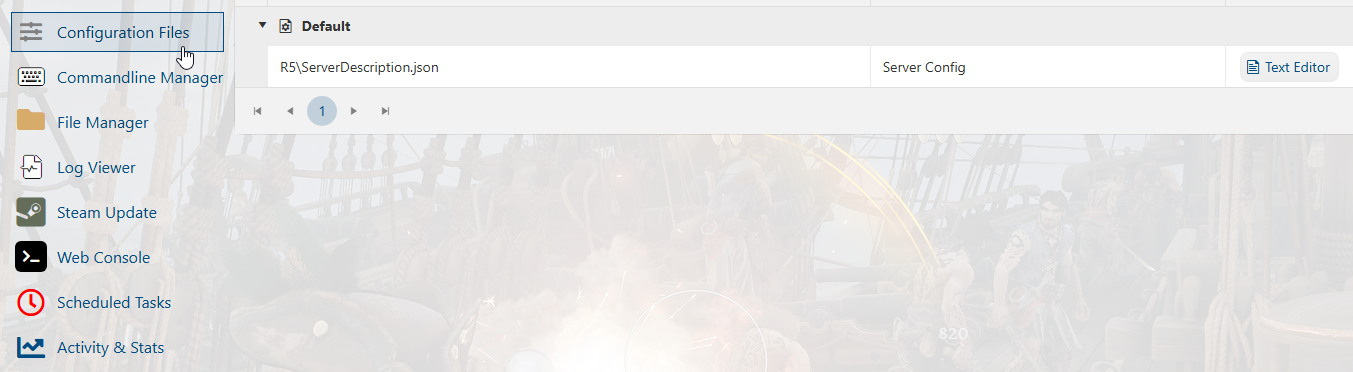
3. Select the "Text Editor" button to open the file.
Once opened, you can now edit the server invite code.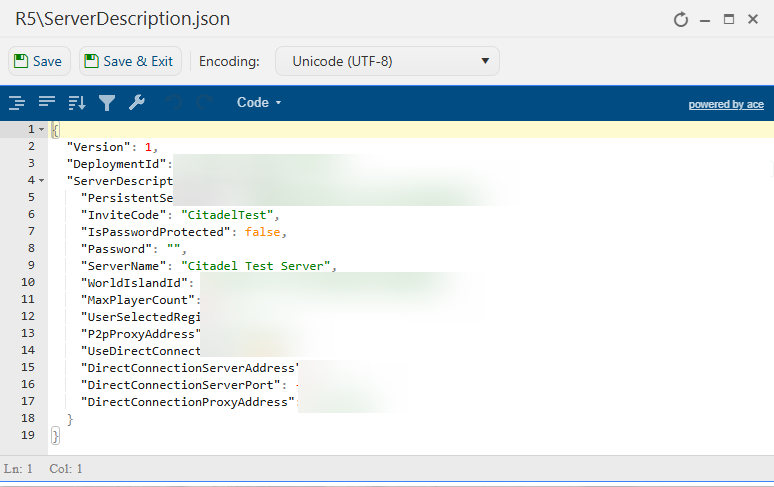
4. Hit "Save" once you are done editing. You can now start the server with the new invite code.
5. You can look up and verify your server's invite code by going to the Sailwind.codes site.
It may take some time for the site to recognize the change.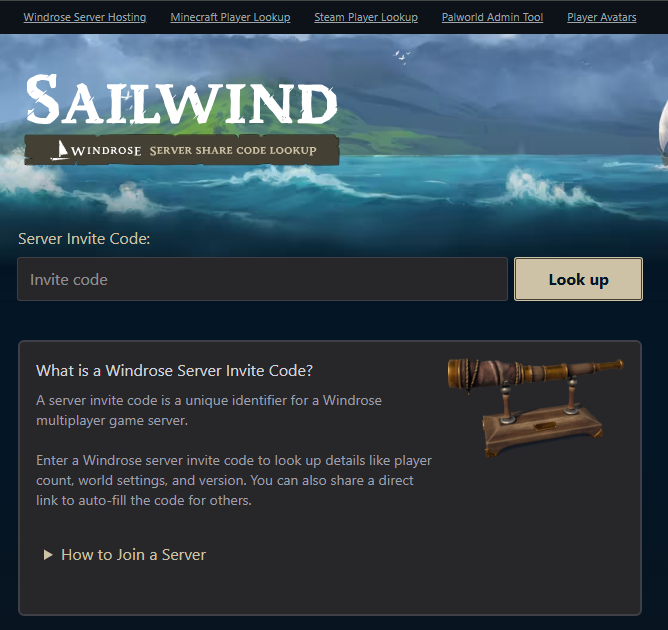
Did the above information not work for you?
Please click here to contact our support via a ticket.
