

This guide will show you how to kick-start your RaceRoom server.
Click here to order your RaceRoom server with Citadel Servers today!
To edit server settings, follow these steps:
1. Log in to your Game Control Panel.
Start the server.
2. Open the Configuration Files and select the "Text Editor" button.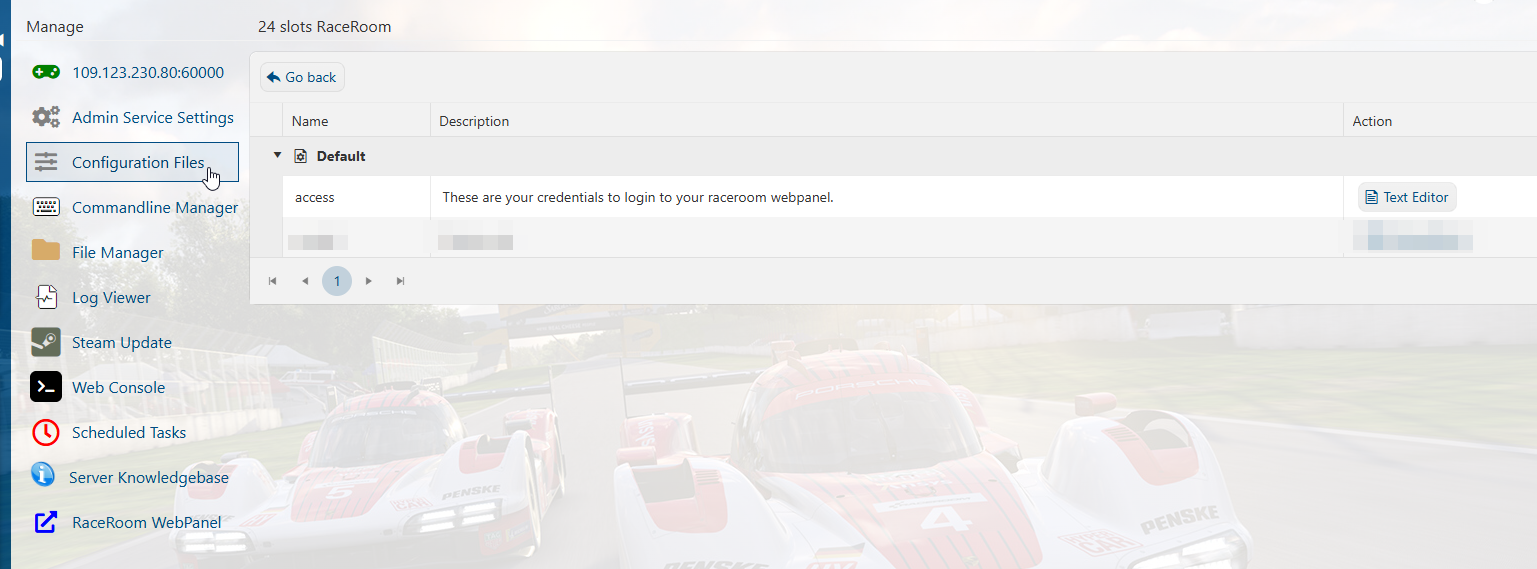
3. Take note of the contents. They are the credentials of the WebPanel webpage of the server.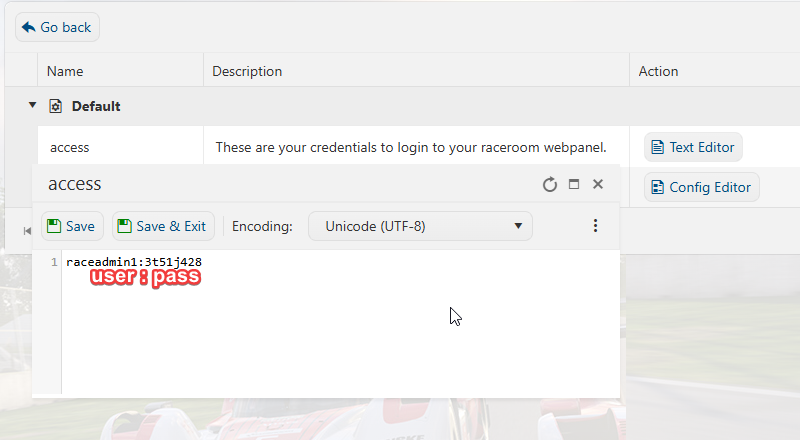
4. Click the WebPanel option in the sidebar. It will open a new tab with a prompt to log in with the credentials from the last step.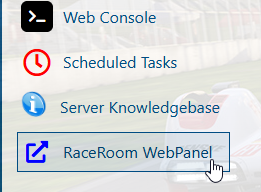
5. Once logged in, you can control most aspects of the server in the new tab.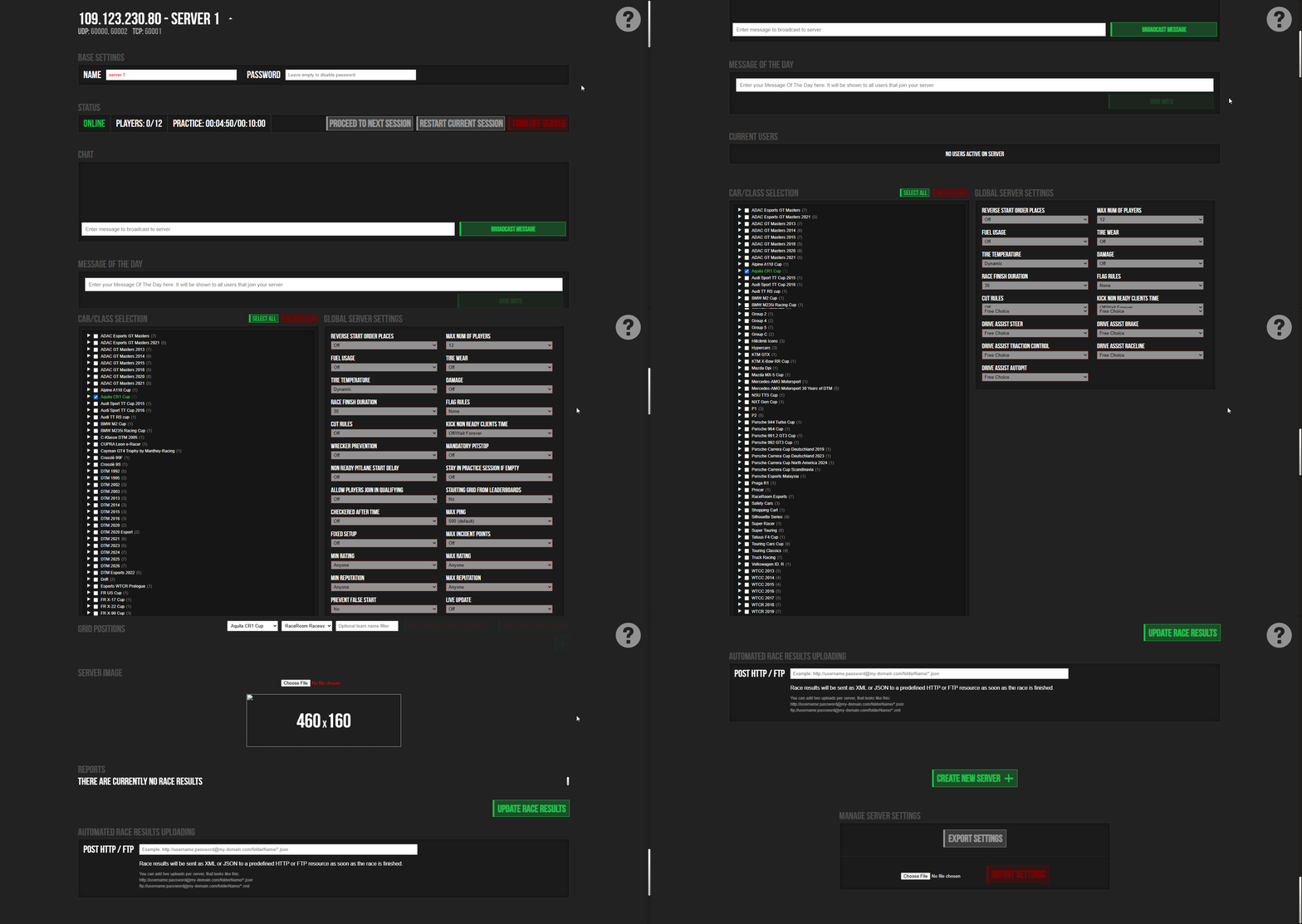
Did the above information not work for you?
Please click here to contact our support via a ticket.
