

This guide will walk you through installing popular mods on your Wurm Unlimited server.
Click here to order your Wurm Unlimited server with Citadel Servers today!
Make sure you have downloaded the mod you want to install. Most mods come as a .zip file containing the mod files (often including a .jar file).
1. Log in to your Citadel Servers Game Panel and stop your server.
2. Navigate to the File Manager tab.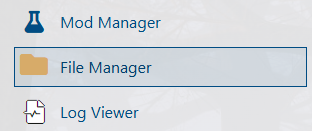
3. Click Upload and select the mod .zip file from your computer.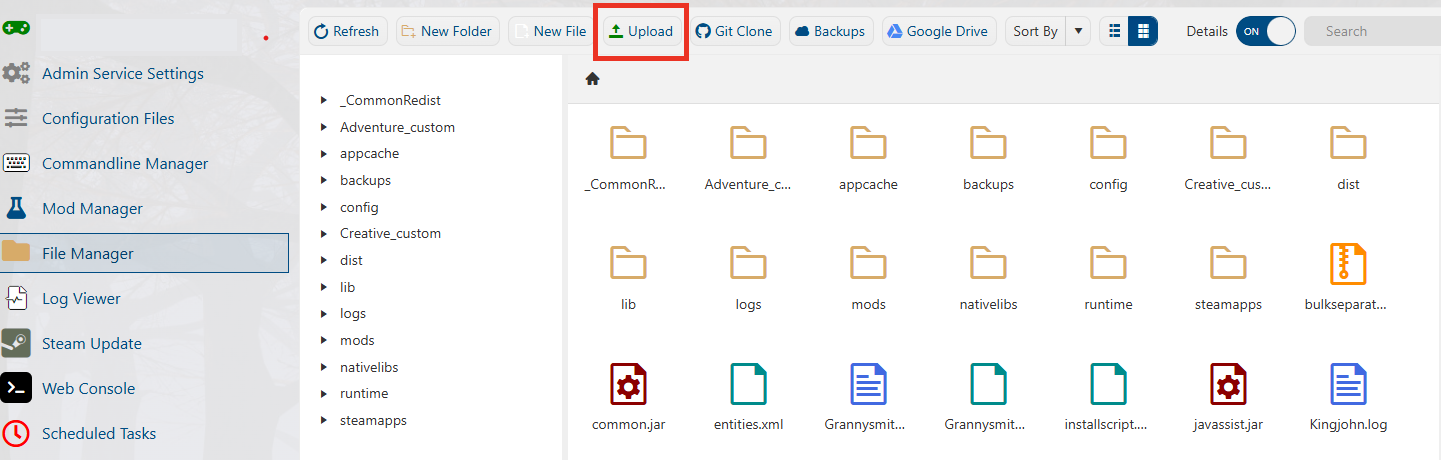
4. Once uploaded, right-click the .zip file and select Extract.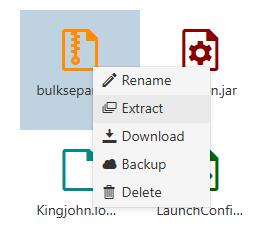
5. Start your server and join your server to verify that the mod is working correctly.
Did the above information not work for you?
Please click here to contact our support via a ticket.
