
 This guide will help you get started with your StarRupture server.
Click here to order your StarRupture server with Citadel today!
1. Open the game on your PC.
⚠️ Star Rupture requires a password before the server can be joined.
Click Manage Server in the game, then enter your IP:Port. You will be prompted to set a password. Create the password and save it.
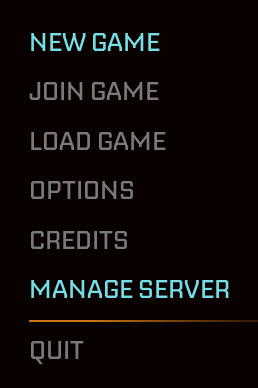
2. Next, click Join Game and select Dedicated Server.

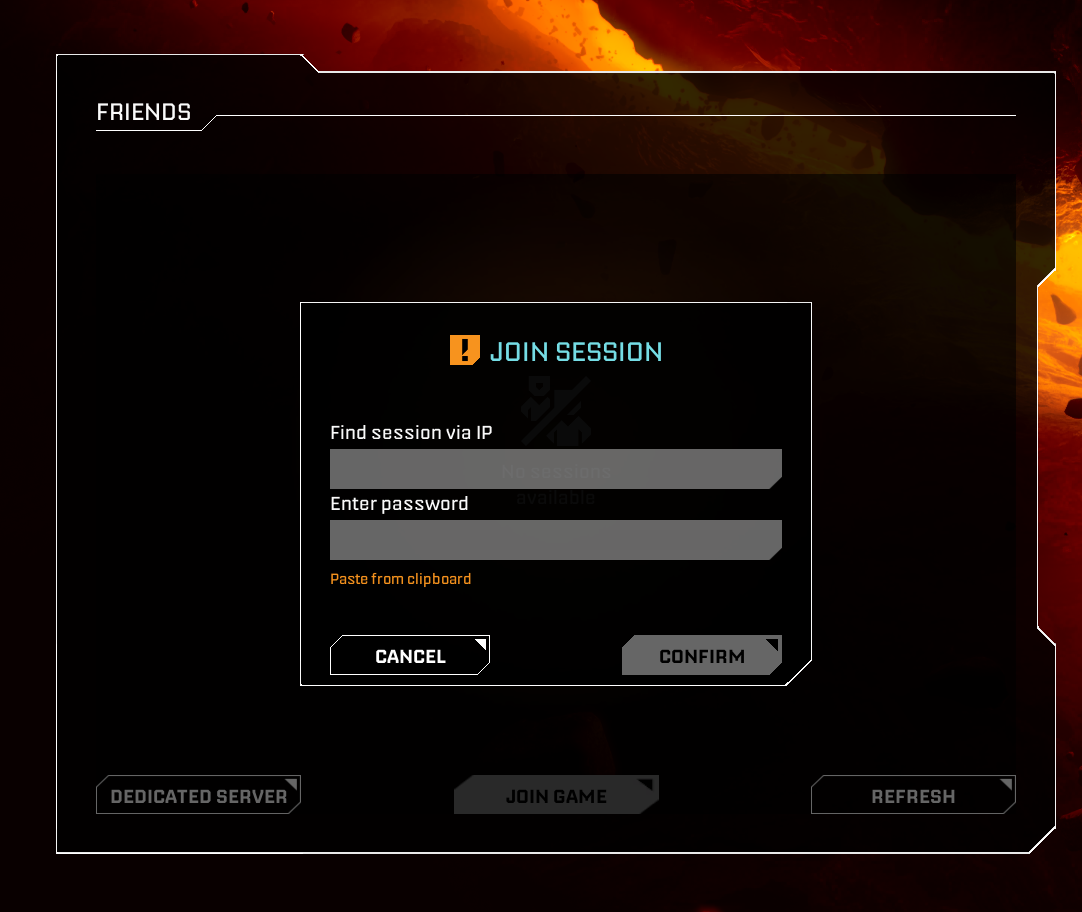
3. Enter your IP:Port and the password you created. You will then connect to your server.
Did the above information not work for you?
Please click here to contact our support via a ticket.
