
 This guide will help you get started with your StarRupture server.
Click here to order your StarRupture server with Citadel today!
1. First, log in and open your Game Control Panel. Click here to access the Game Control Panel.
2. Click Start to launch your server.
3. Copy the IP and Game Port shown in the panel.
Format should look like: 123.123.123.123:12345
4. Open the game on your PC.
⚠️ Star Rupture requires a password before the server can be joined.
Click Manage Server in the game, then enter your IP:Port. You will be prompted to set a password. Create the password and save it.
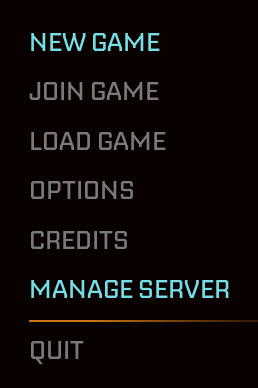
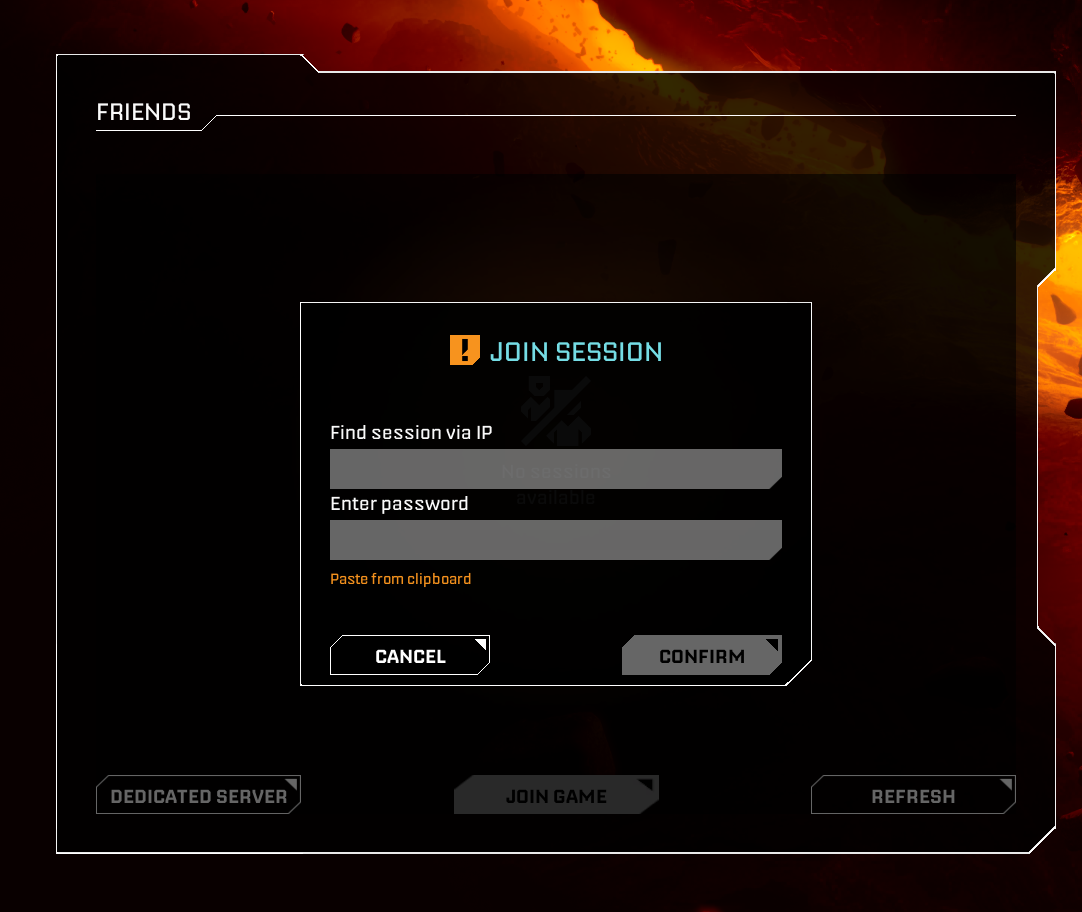
5. Next, click Join Game and select Dedicated Server.

6. Enter your IP:Port and the password you created. You will then connect to your server.
Did the above information not work for you?
Please click here to contact our support via a ticket.
